Help
How do I…? Every answer, in plain language.
No account needed to read this page — send the link to anyone on your team. Most tasks take a few minutes and none of them require technical skills.
Ask about the app
Type what you are trying to do. You get the exact screen and the clicks — or a plain "I'm not sure", because a confident wrong answer is worse than none.
How do I get hints inside the app itself?
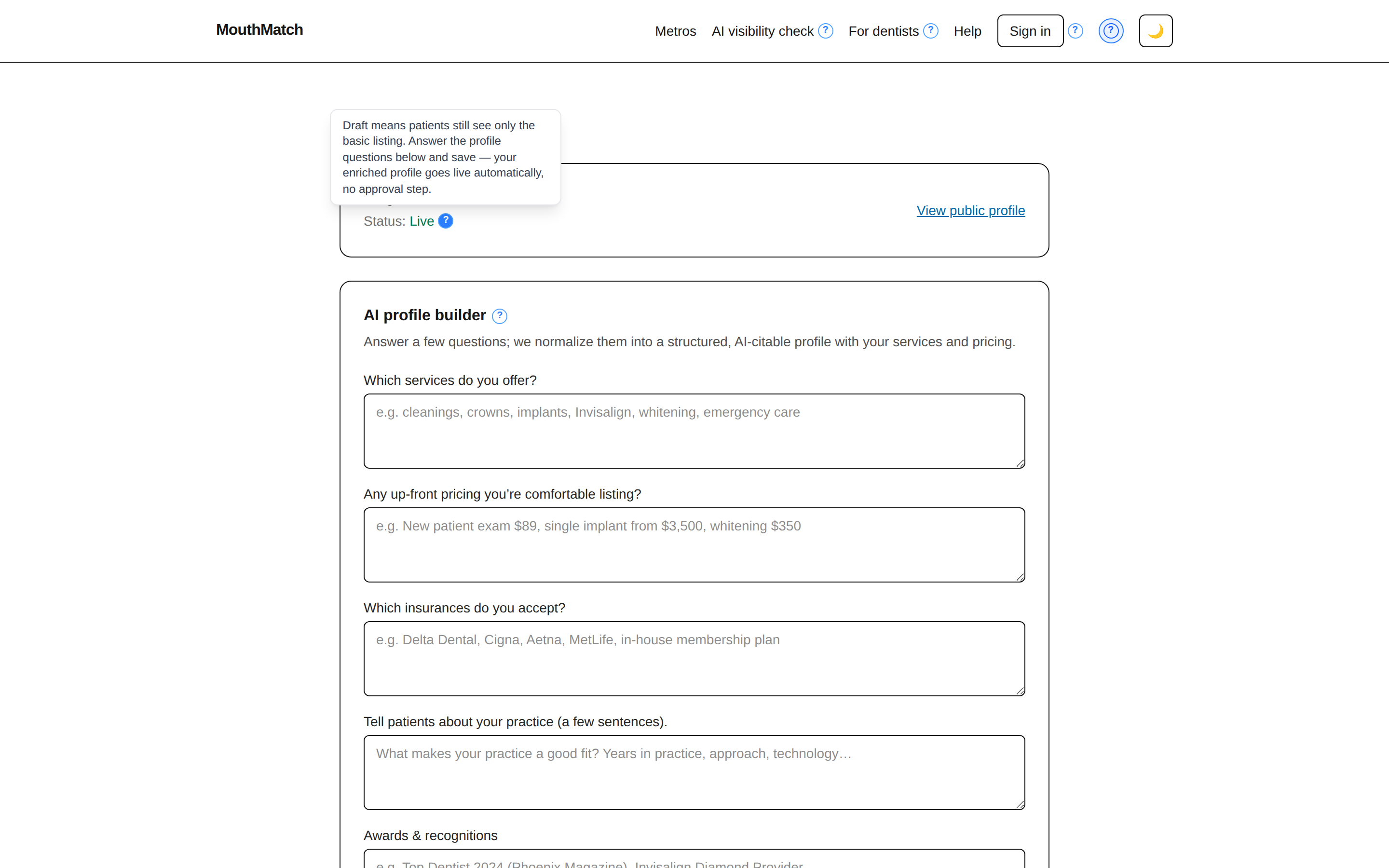
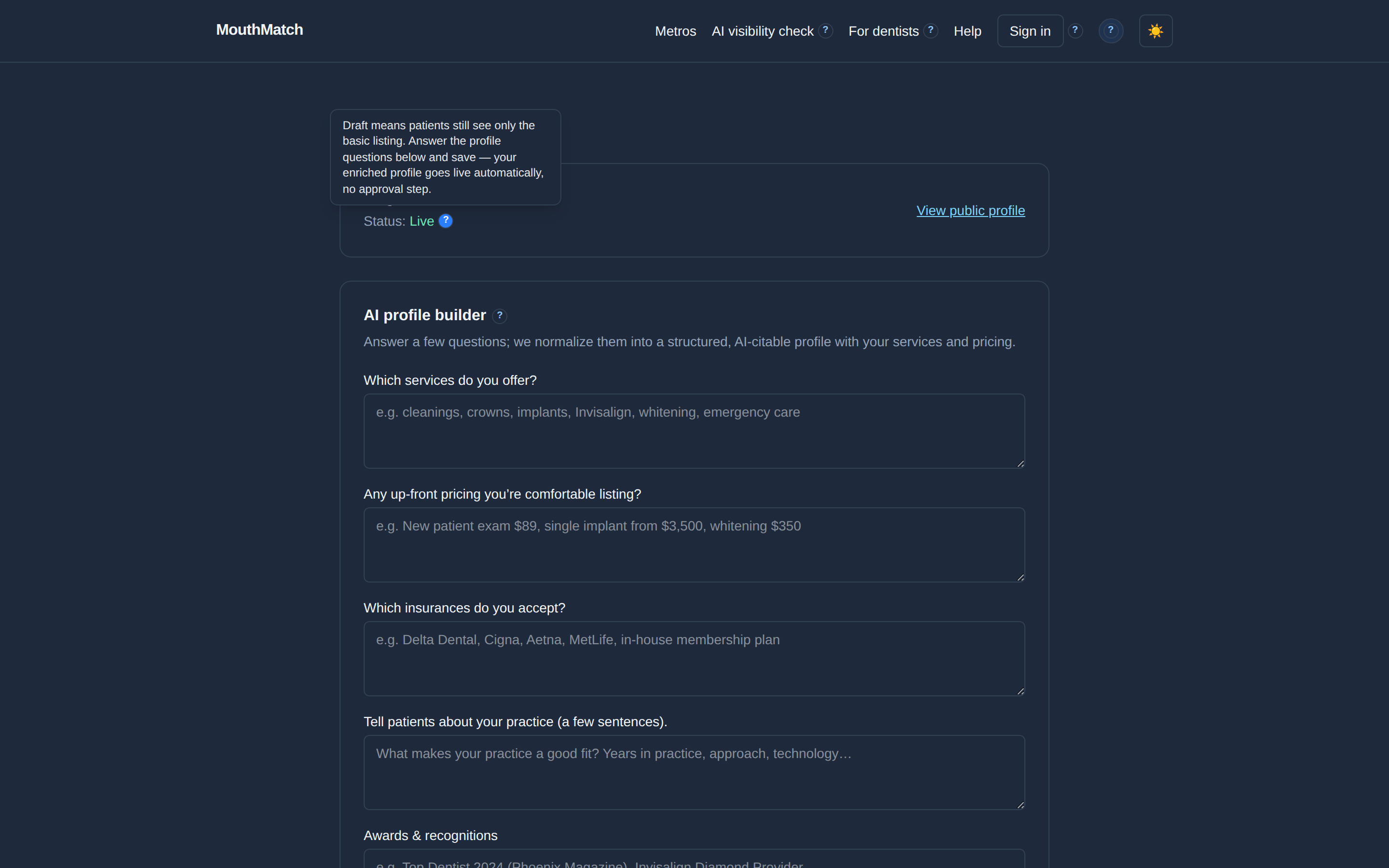
Click the ? button in the top-right of the header to turn on help mode. Small "?" markers appear next to buttons and numbers throughout the app — hover (or tap) any of them for a plain-language explanation of what that thing actually does. Click the header "?" again to turn the markers off. The app remembers your choice.
How do I see whether AI recommends my practice?
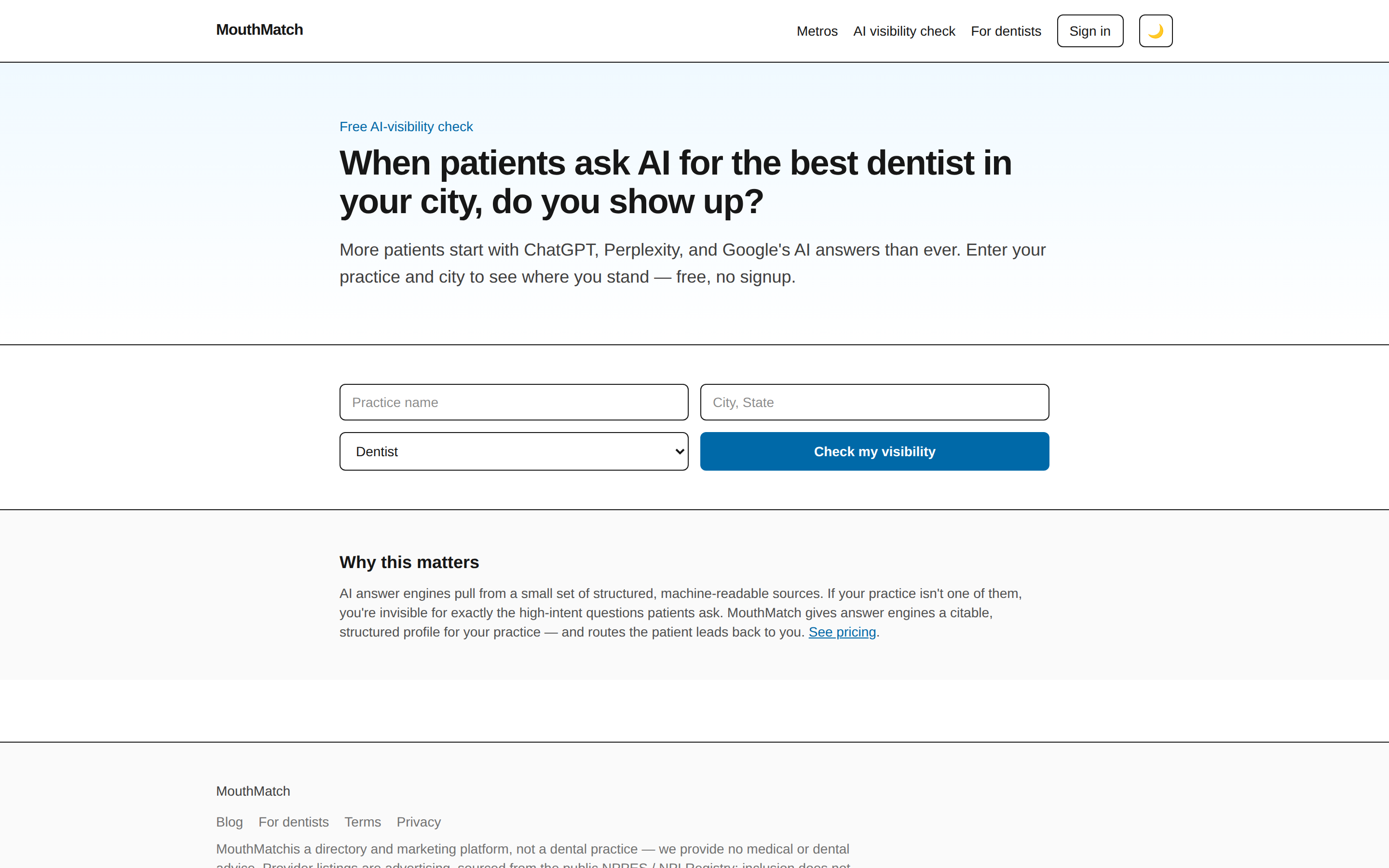
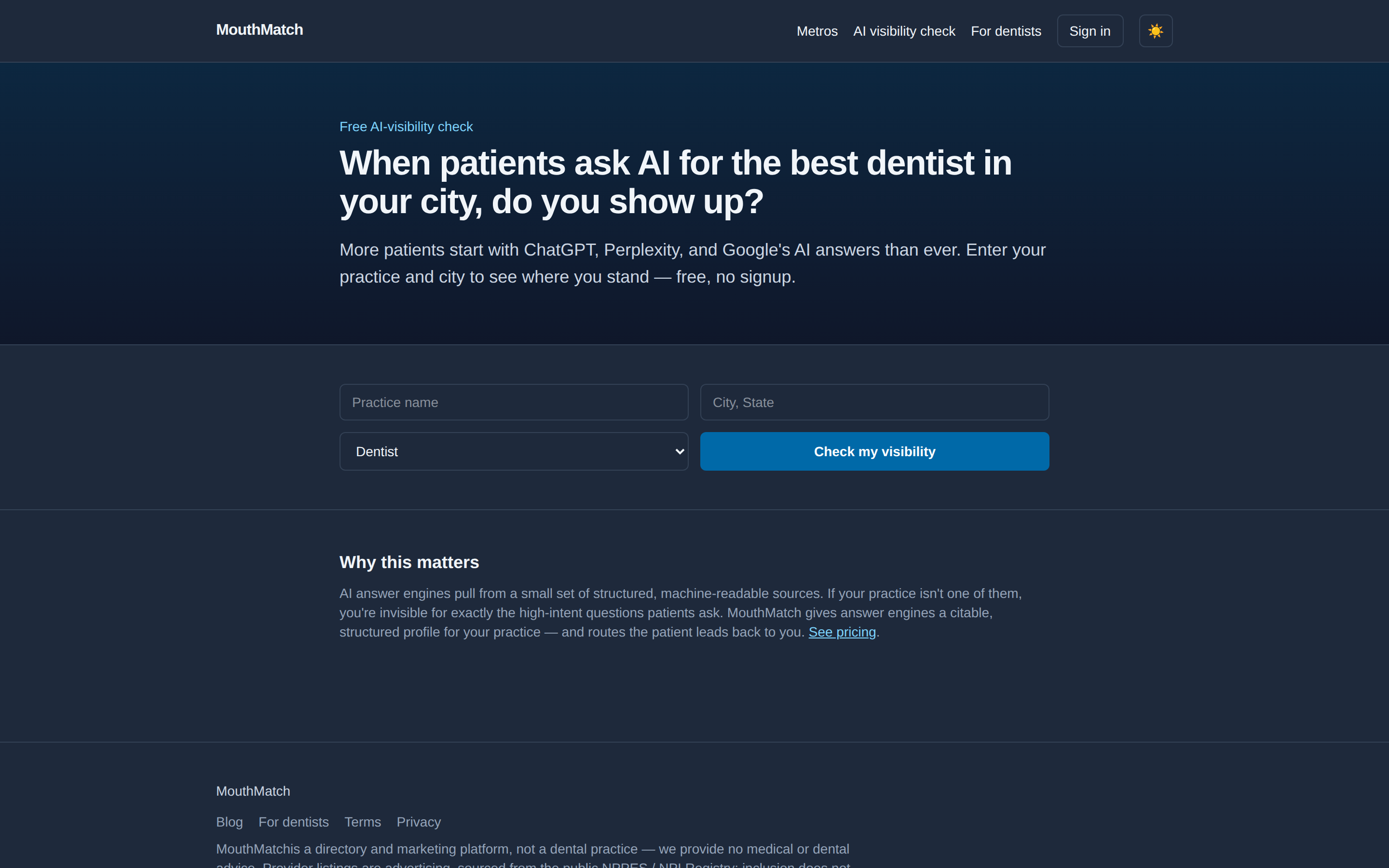
Go to the free AI visibility check. Enter your practice name, city, and the kind of dentistry you do, then click Check my visibility. We run the search a patient would run — "best [your specialty] in [your city]" — and show you a 0–100 score, who the AI names instead of you, and one concrete fix. Free, no account, no obligation.
How do I claim my practice?
We pre-built a basic listing for most US practices from the public NPI registry, so you don't start from zero.
- Create your account with your work email and a password (8+ characters).
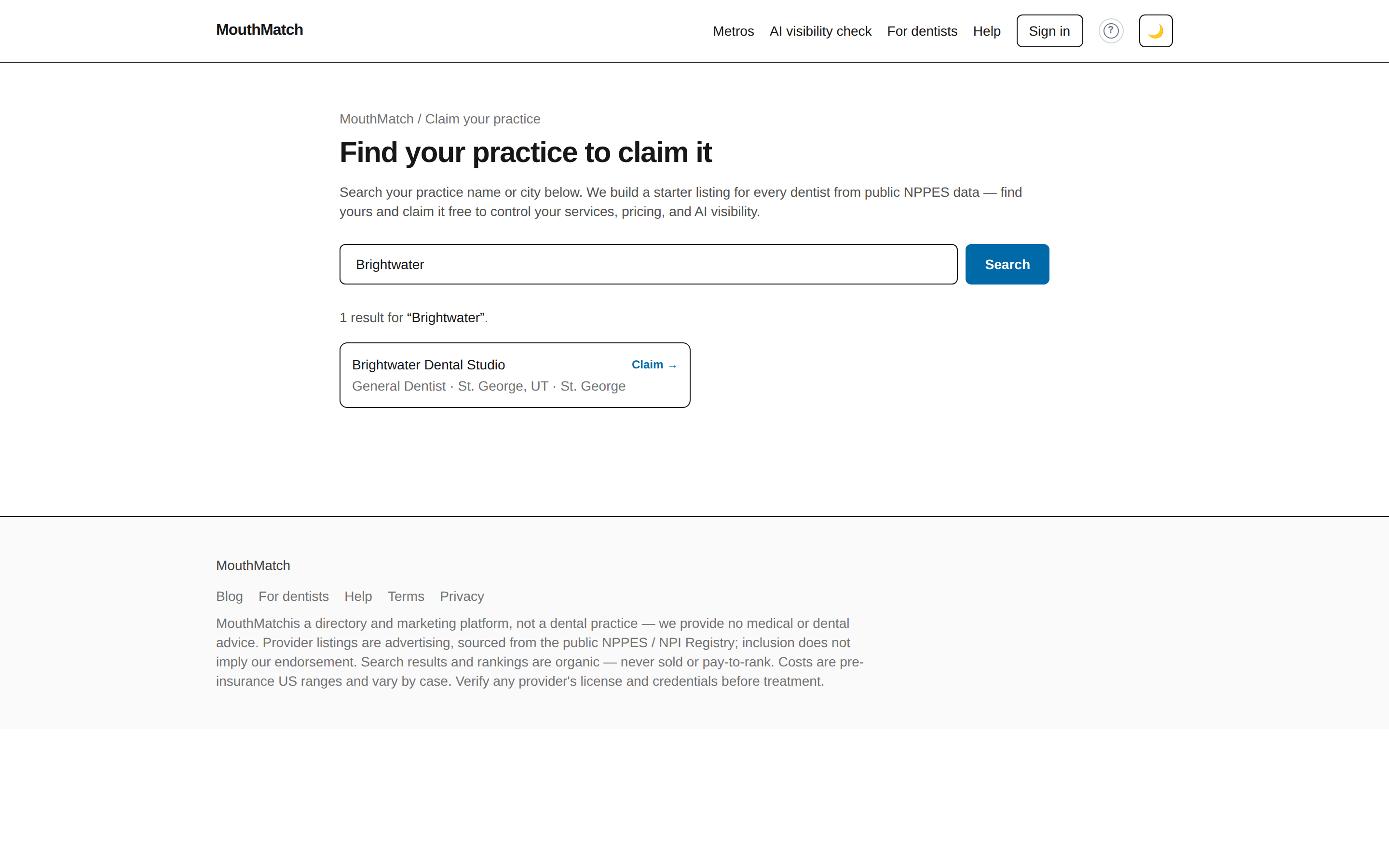
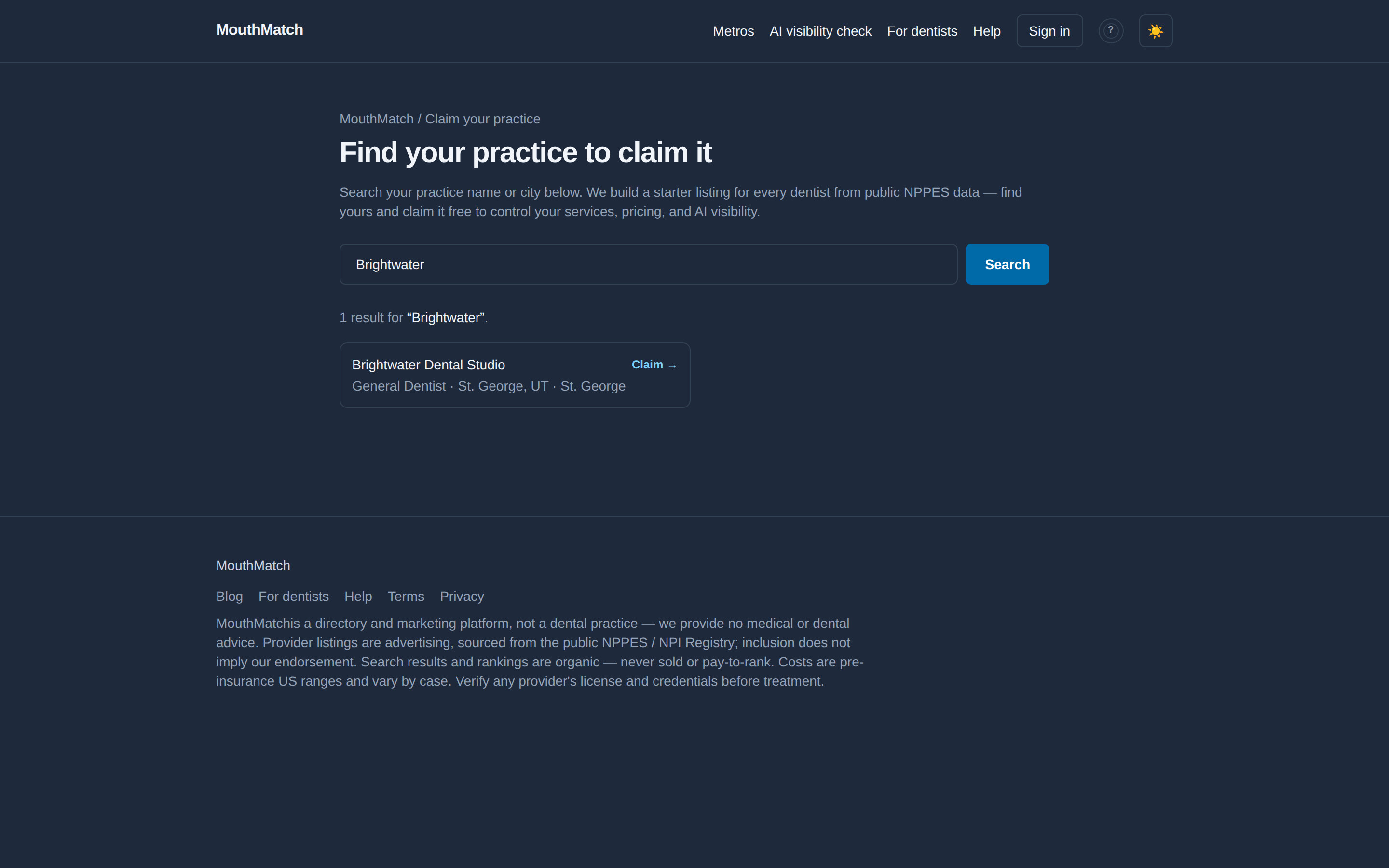
- Go to Claim your practice and search your practice or dentist name.
- Click Claim on your listing, then Claim this profile. That links the listing to your account — claiming is free, forever.
Can't find your practice? Try the dentist's legal name (as registered with NPPES) or a nearby city. Still nothing? Email us — address at the bottom of this page — and we'll get you listed.
How do I build my profile?
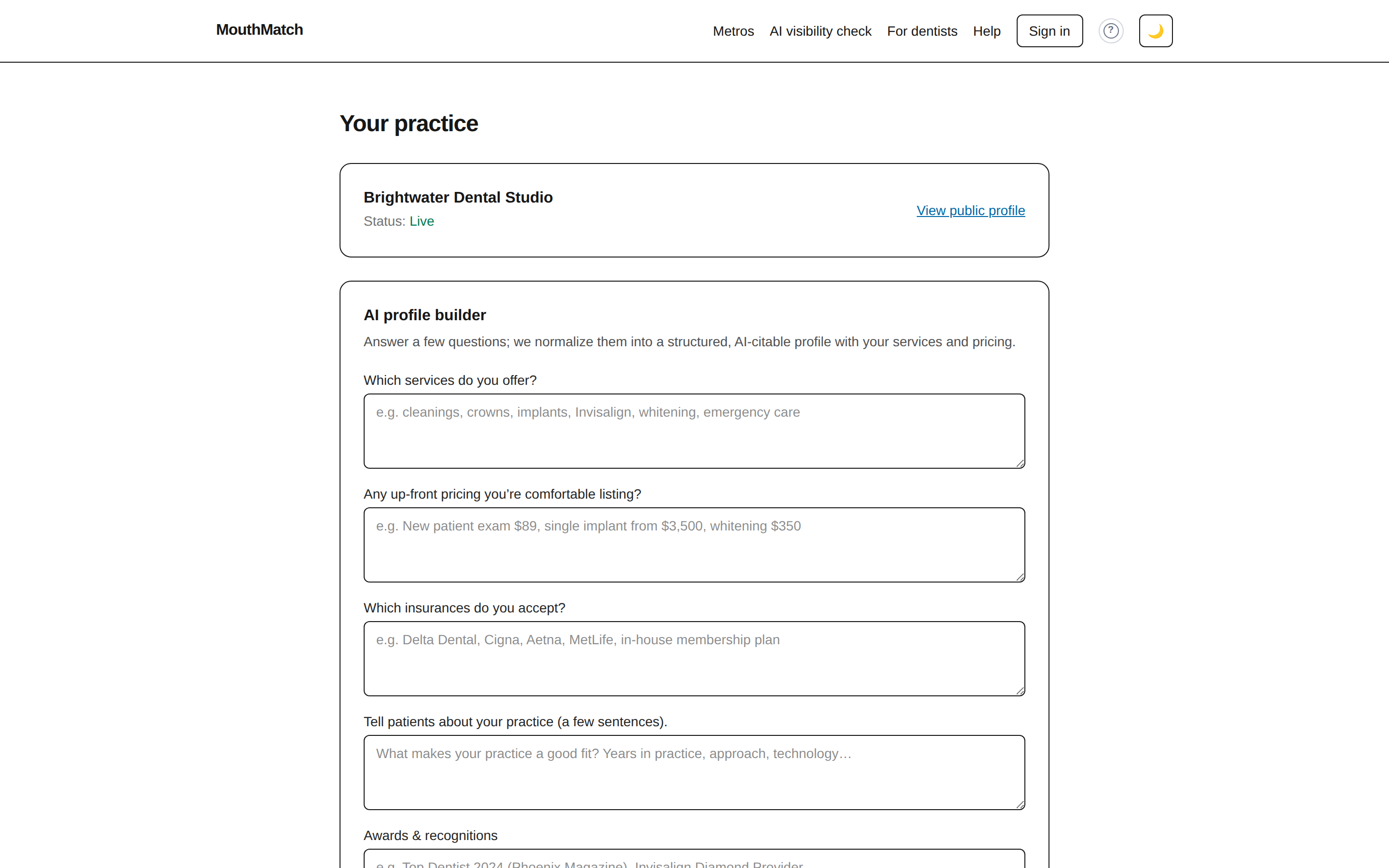
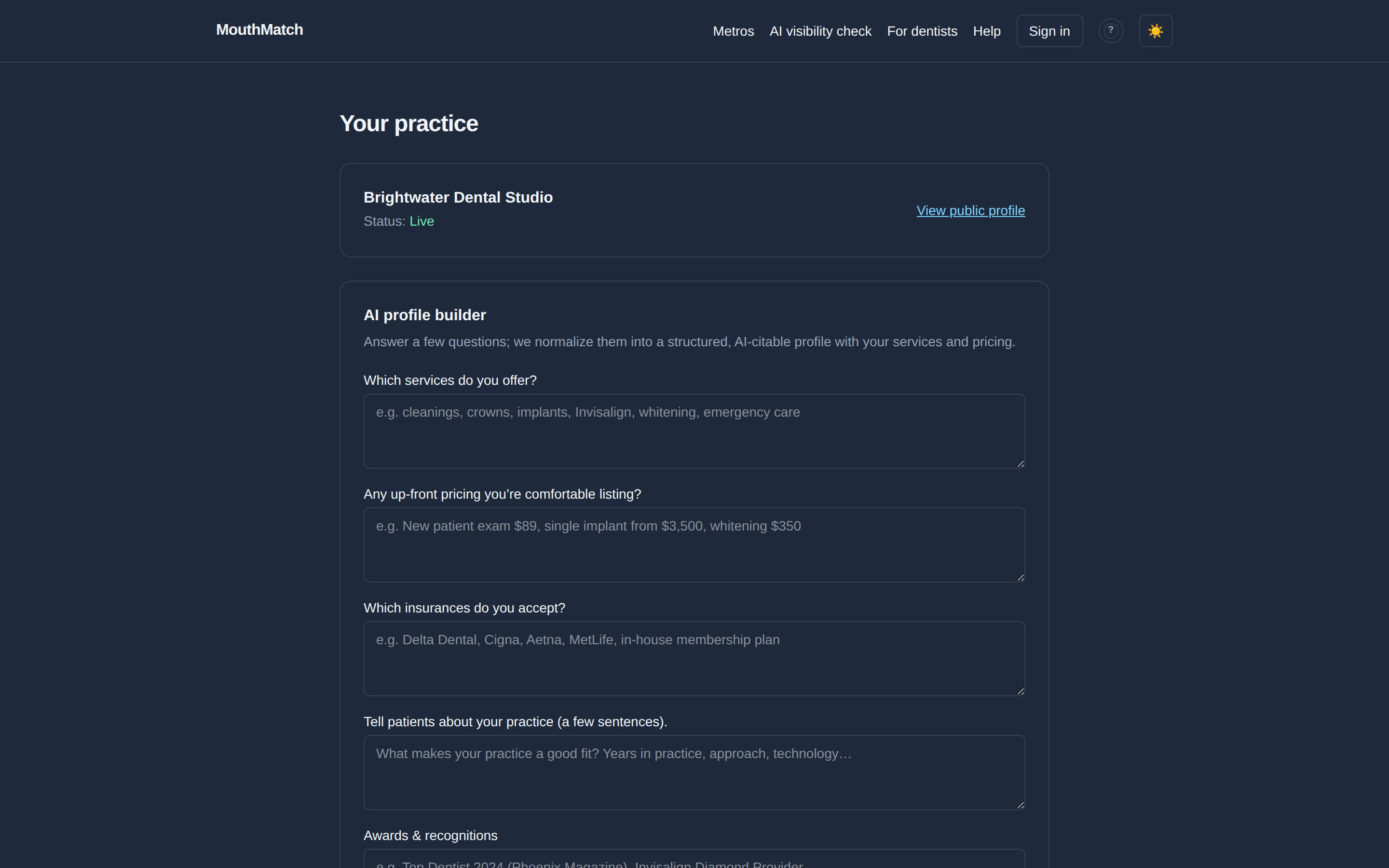
After claiming, your dashboard shows a short set of questions — services you offer, any up-front pricing you're comfortable listing, insurances you accept, a few sentences about the practice, awards, certifications, patient reviews, hours, and your website. Answer in plain English ("cleanings, crowns, implants, Invisalign" is perfect) and click Build my profile.
Your public MouthMatch page updates immediately and your status flips from Draft to Live. Your answers are also sent to our AI provider to be rewritten into structured profile fields; if you have set Write my profile from my answers to Ask me first under AI assistant, that rewrite waits in Waiting for your approval and nothing of it reaches your public page until you approve it — your own typed answers go live either way. You can come back and change any answer whenever something changes — everything that depends on your profile (your page, your AEO kit, your chat widget) updates automatically.
How do I install my AEO kit? (Elite)
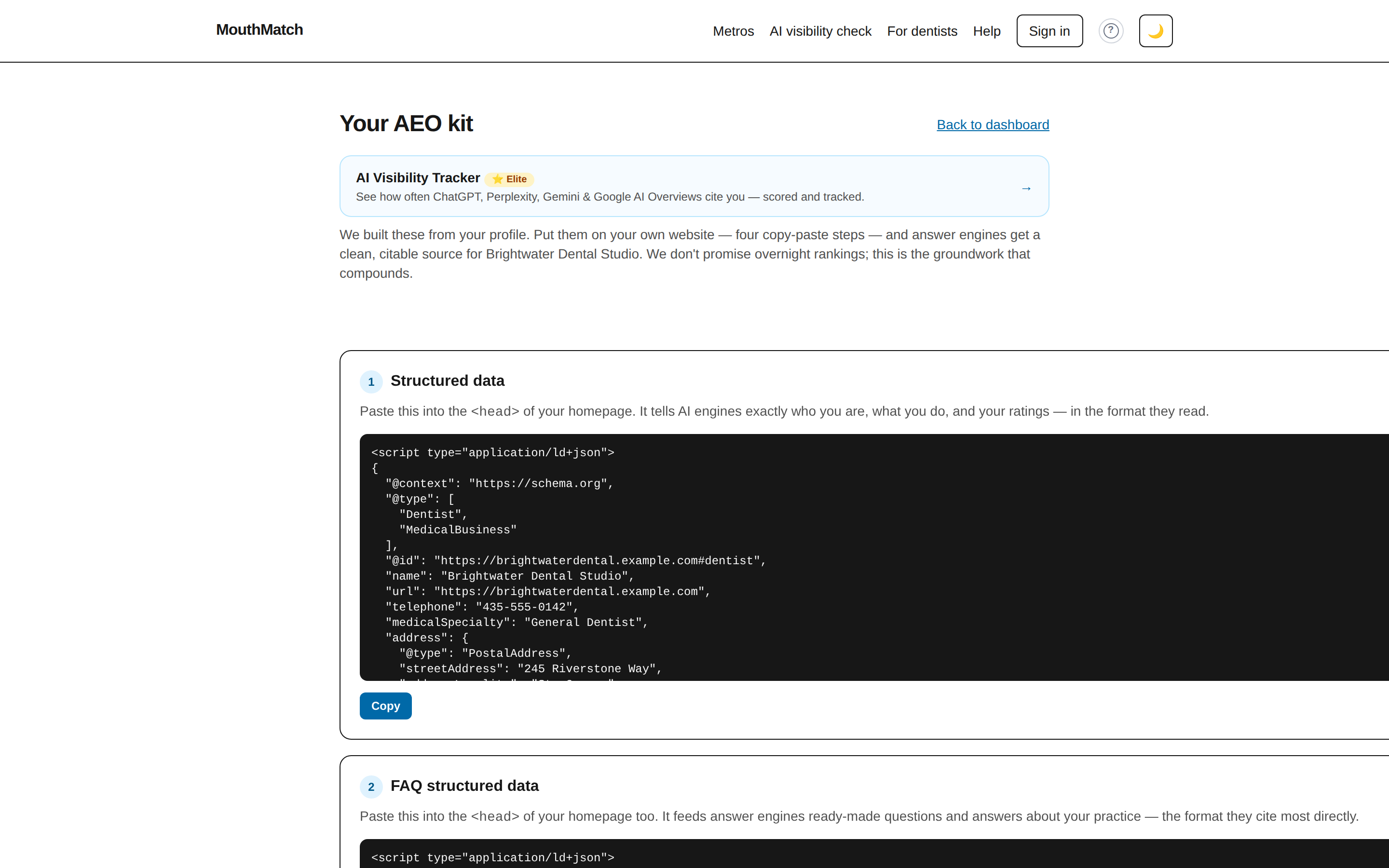
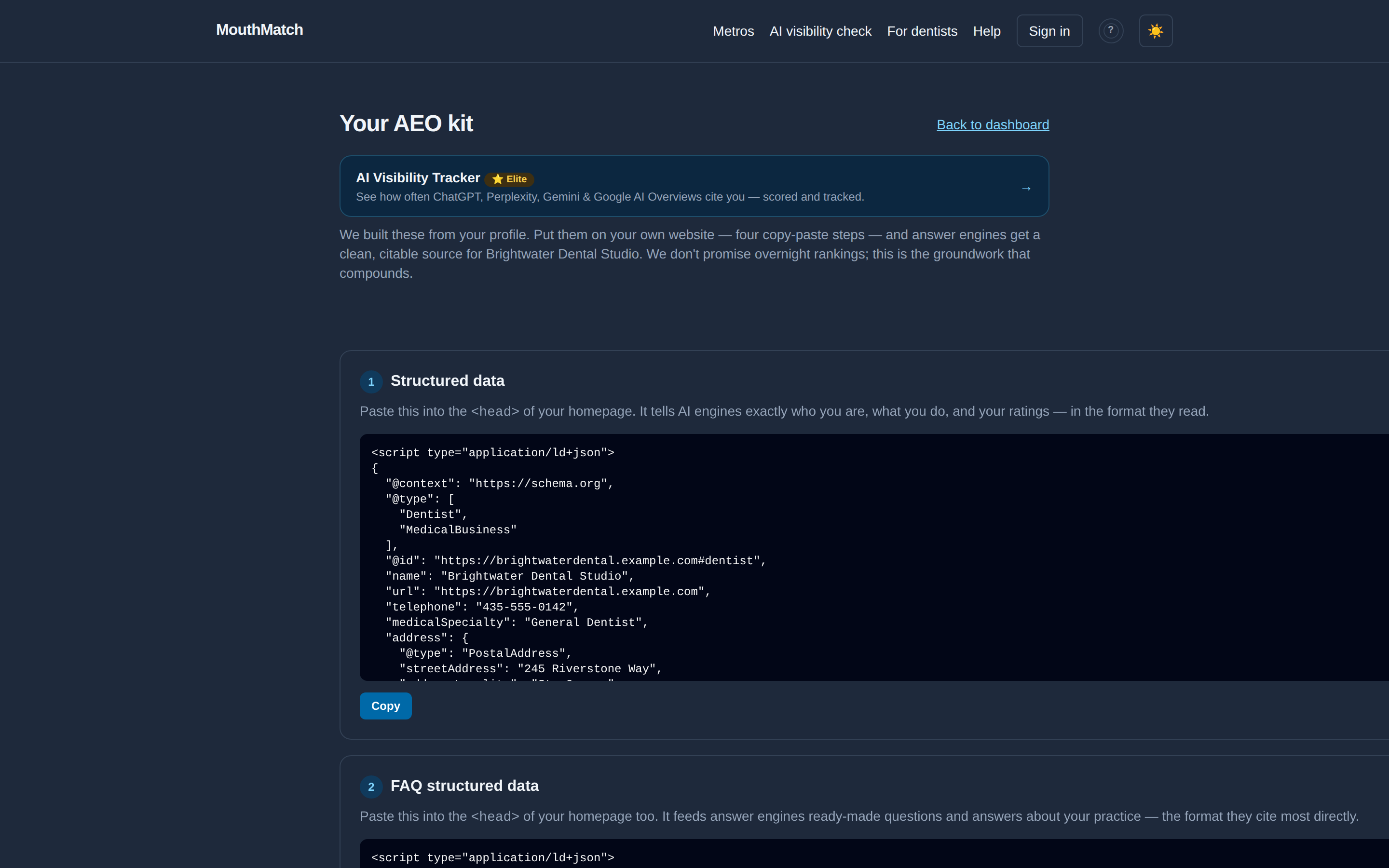
What it is: a small set of files, generated from your profile, that make your own website readable and citable by AI assistants (ChatGPT, Perplexity, Google's AI answers). You keep the files — they're yours.
From the dashboard, open Get my AEO kit. Each item has a Copy button and its own one-line instruction: structured data goes in your homepage's <head>, llms.txt gets uploaded to your site root, a few lines merge into your robots.txt, and a small link to your MouthMatch profile goes in your footer.
Not comfortable editing your website? That's normal. Click Download all assets and email the file to whoever manages your site — it's four copy-paste steps for them, a few minutes of work.
How do I add the chat bubble to my own website? (Elite)
On your dashboard, the Chat widget for your website section shows one line of code. Click Copy snippet, then paste it just before the closing </body> tag of your site (on WordPress: a "custom HTML" or footer-scripts box). Save and reload — a floating chat bubble appears in the corner and answers visitors from your MouthMatch profile: hours, services, pricing, insurances.
It only knows what your profile says, so keep the profile complete. Use Preview the chat to try it before installing.
How do I track how often AI names my practice? (Elite)
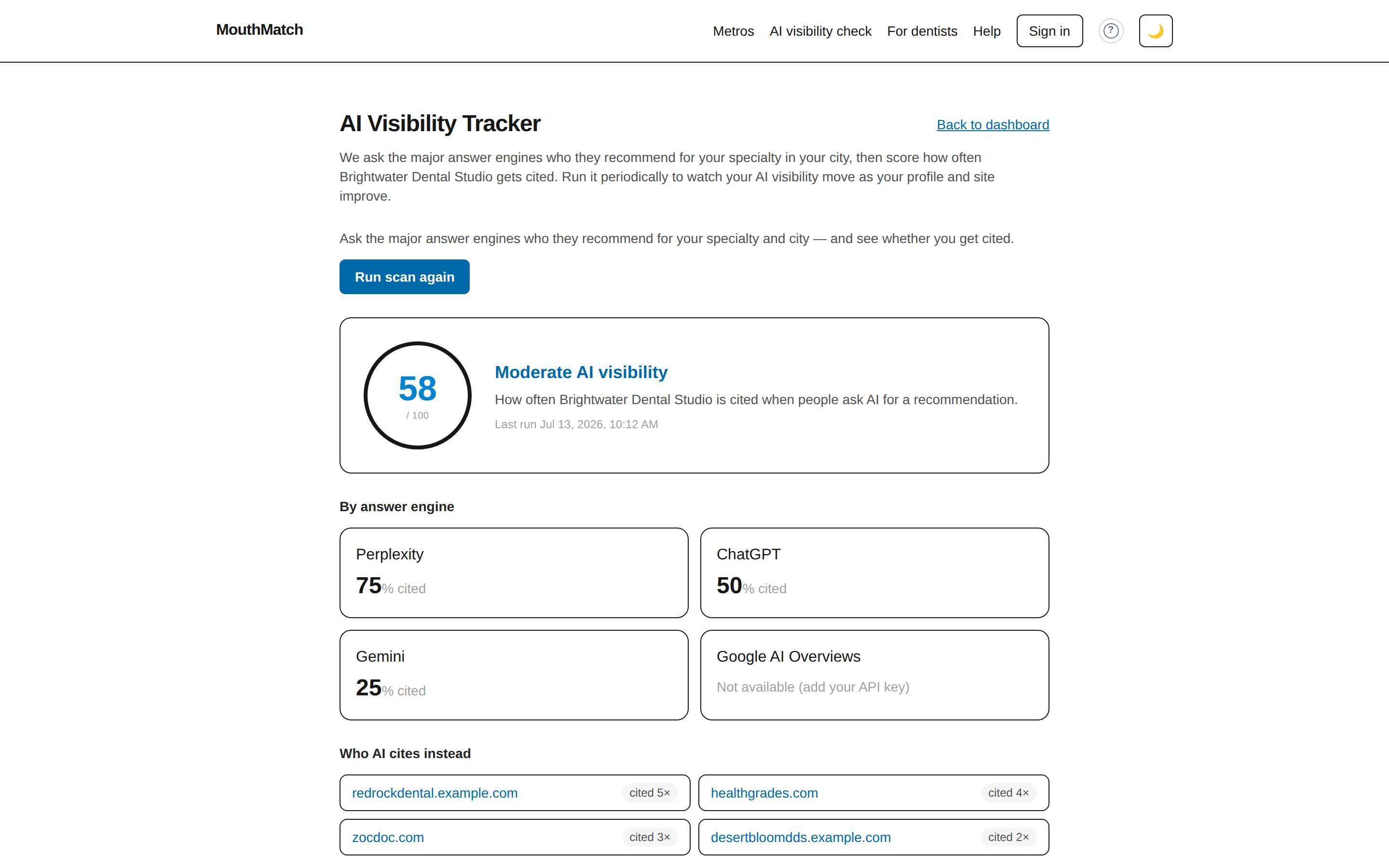
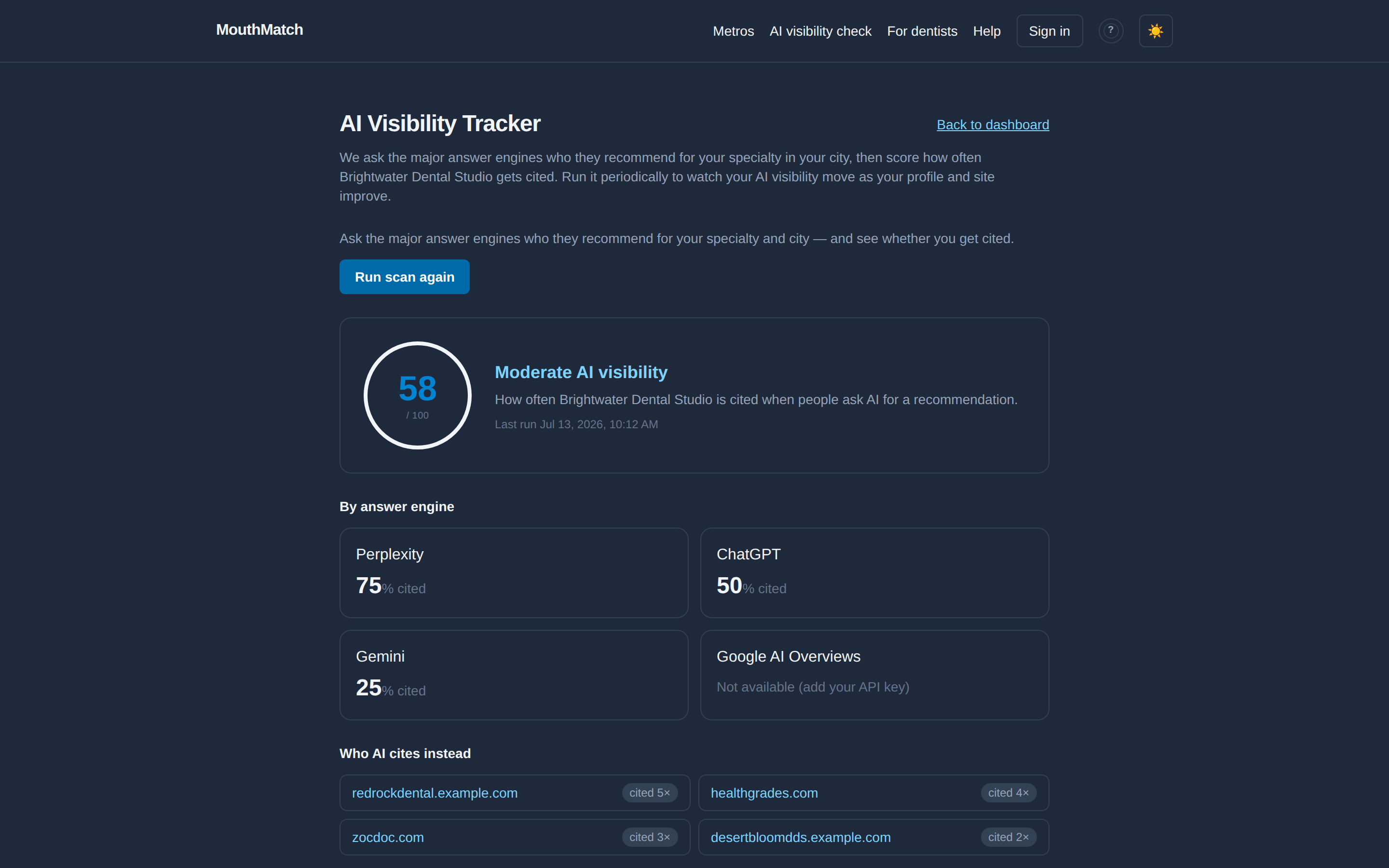
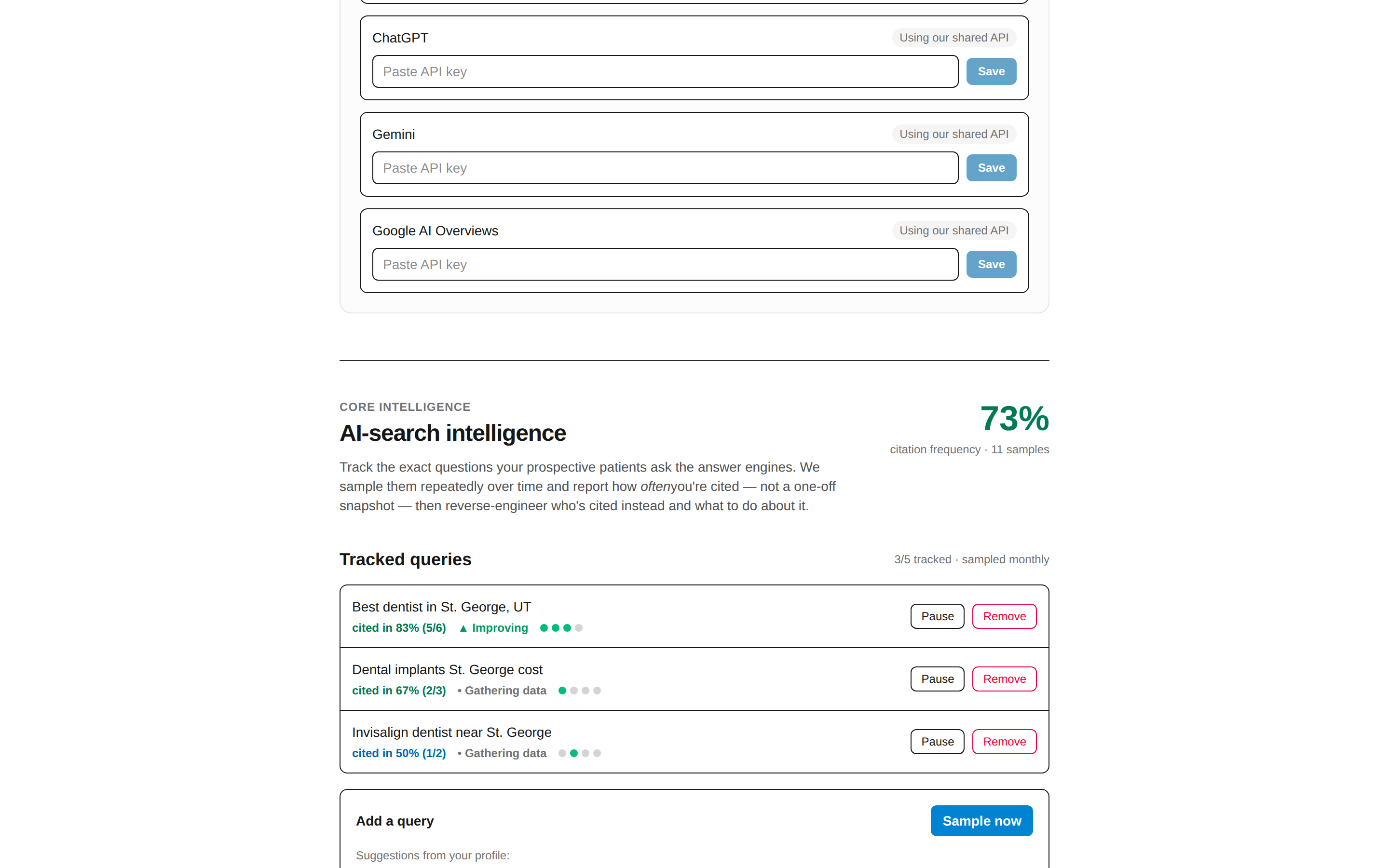
Dashboard → Get my AEO kit → AI Visibility Tracker (or go straight to /dashboard/visibility). Click Run scan: we ask ChatGPT, Perplexity, Gemini, and Google AI Overviews who they'd recommend for your specialty in your city, and score how often you're named — overall and per engine, with a prompt-by-prompt table and the competitors cited instead of you.
You can refresh manually once a month. Turn on Automatic monthly report to get the scorecard by email. An engine showing "Not available" just means we don't have API access to it for your account — the optional "Bring your own API keys" panel covers it if your practice has its own AI accounts (most skip this).
How do I win specific searches? (tracked queries)
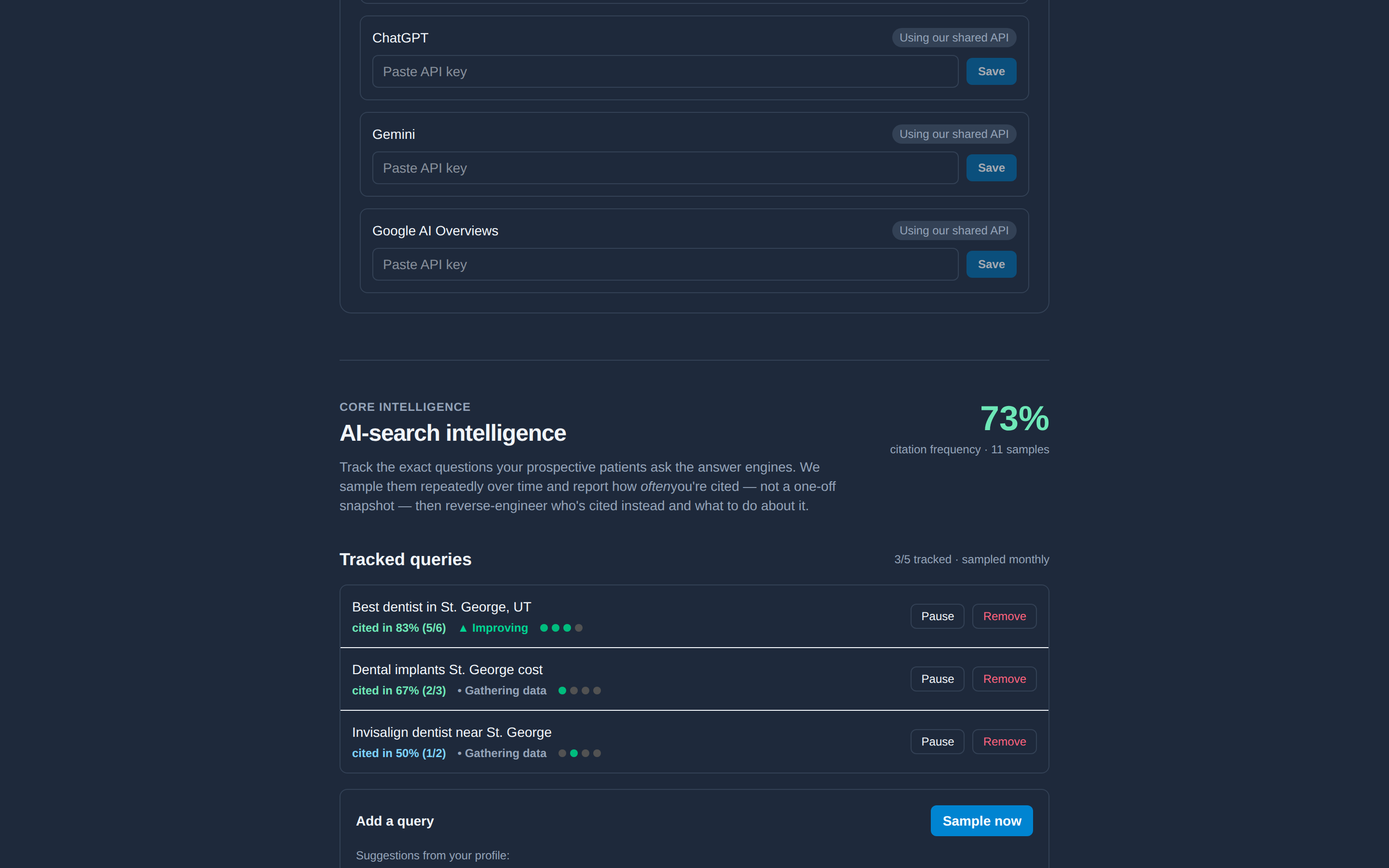
Below the scorecard, AI-search intelligence tracks the exact questions your future patients ask — like "best implant dentist in Phoenix". Add questions from the suggestions (built from your profile) or write your own, then click Sample now. We re-ask the engines over time and report your citation frequency — how often you're actually named — plus which directories and competitor practices get cited instead, and a prioritized action plan with the evidence behind every recommendation.
What does it cost? How do I upgrade or cancel?
Claiming your profile is free, forever — you get your public listing and the public profile chatbot at no cost. Elite is $199/mo introductory, and the rate you join at is locked while you stay subscribed. Elite adds the verified badge, your own profile chatbot, the embeddable website widget, the full AEO kit, the AI Visibility Tracker, and up to 20 tracked queries with sampling every two weeks — see the pricing page for that one.
Upgrade from your dashboard (checkout is handled by Stripe). Your dashboard's Subscription section shows your plan and renewal date. To cancel or change plans, email us — address below — and we'll sort it out; anything from the AEO kit you've already installed on your own site stays yours.
Where does my data go when AI is involved?
Every AI feature on MouthMatch runs on models from Anthropic, and three things reach them:
- Your chat assistant — the visitor's typed question, the recent messages in that same conversation, and your published profile (services, prices, insurances, hours, credentials). Not their name, email, phone or account. This is true on your MouthMatch page and inside the bubble you embed on your own site.
- Your profile questions — the answers you type are sent to be rewritten into structured profile fields.
- The free visibility check — a practice name, city and specialty, when a live answer-engine query isn't available.
The AI-visibility tracker is different: it sends only the search question itself — "who is the best dentist in your city" — to the answer engines it queries (Perplexity, ChatGPT, Gemini, and SerpAPI for Google AI Overviews). No patient information and no account information goes to those engines. If you add your own API key for an engine, that query runs under your own account with that engine.
Nothing is used to train anyone's models, and we do not store the text of patient conversations — only a record of the date, your practice, the model and the token count, so you can see what your assistant costs. You can pause every AI feature, or switch individual ones off, under AI assistant in your dashboard; the switch is checked before any provider is contacted, so a paused practice sends nothing. The privacy policy has the full detail.
One thing to tell patients: the assistant is not a clinician and the chat is not a private clinical channel. It is instructed to refuse dental and medical advice and to point people at your appointment-request form or your phone number, and the widget itself says so.
I'm a patient — how do I find the right dentist?
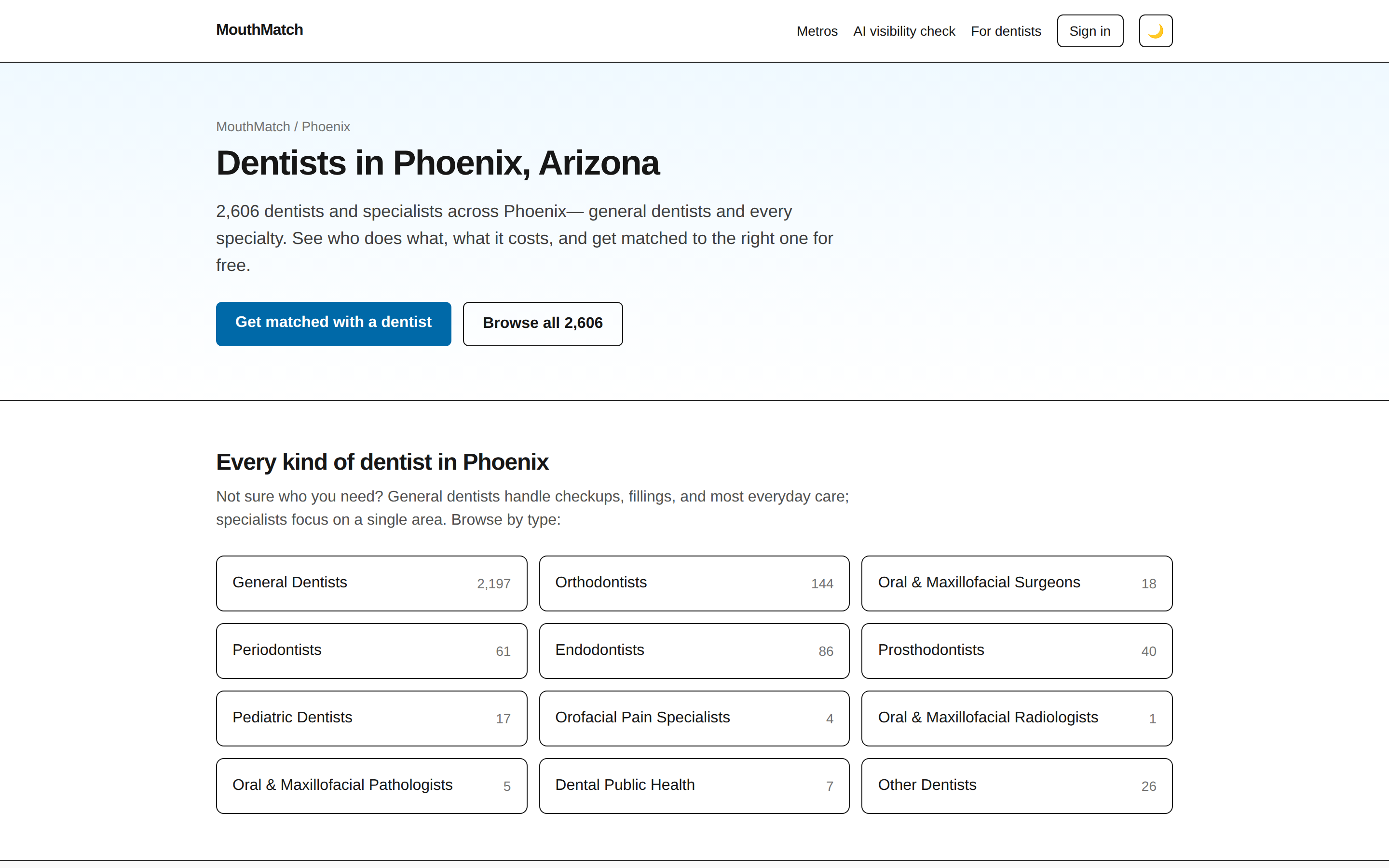
Type your city in the search box on the home page (or pick a metro). Dentists are organized by what they actually do — general dentists, orthodontists, oral surgeons, periodontists and more — with typical procedure costs, so you find the right kind of dentist, not just the closest office. Browsing, comparing, and requesting an appointment are always free for patients, and search results are never pay-to-rank.
Still stuck?
Email [email protected] and a human will help. Telling us what you were trying to do and what you saw instead gets you the fastest answer.